

Get a meeting ready for AI
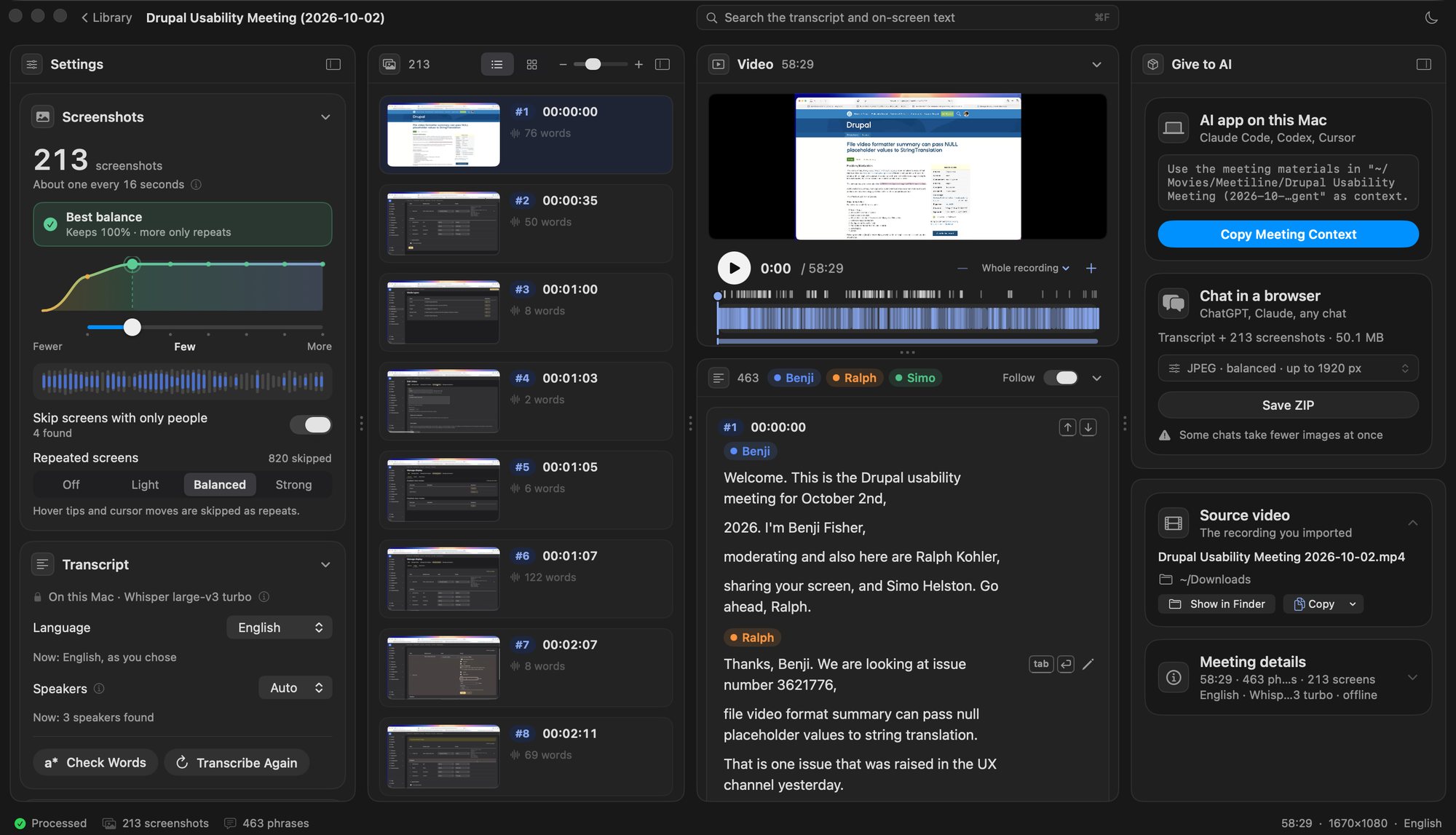
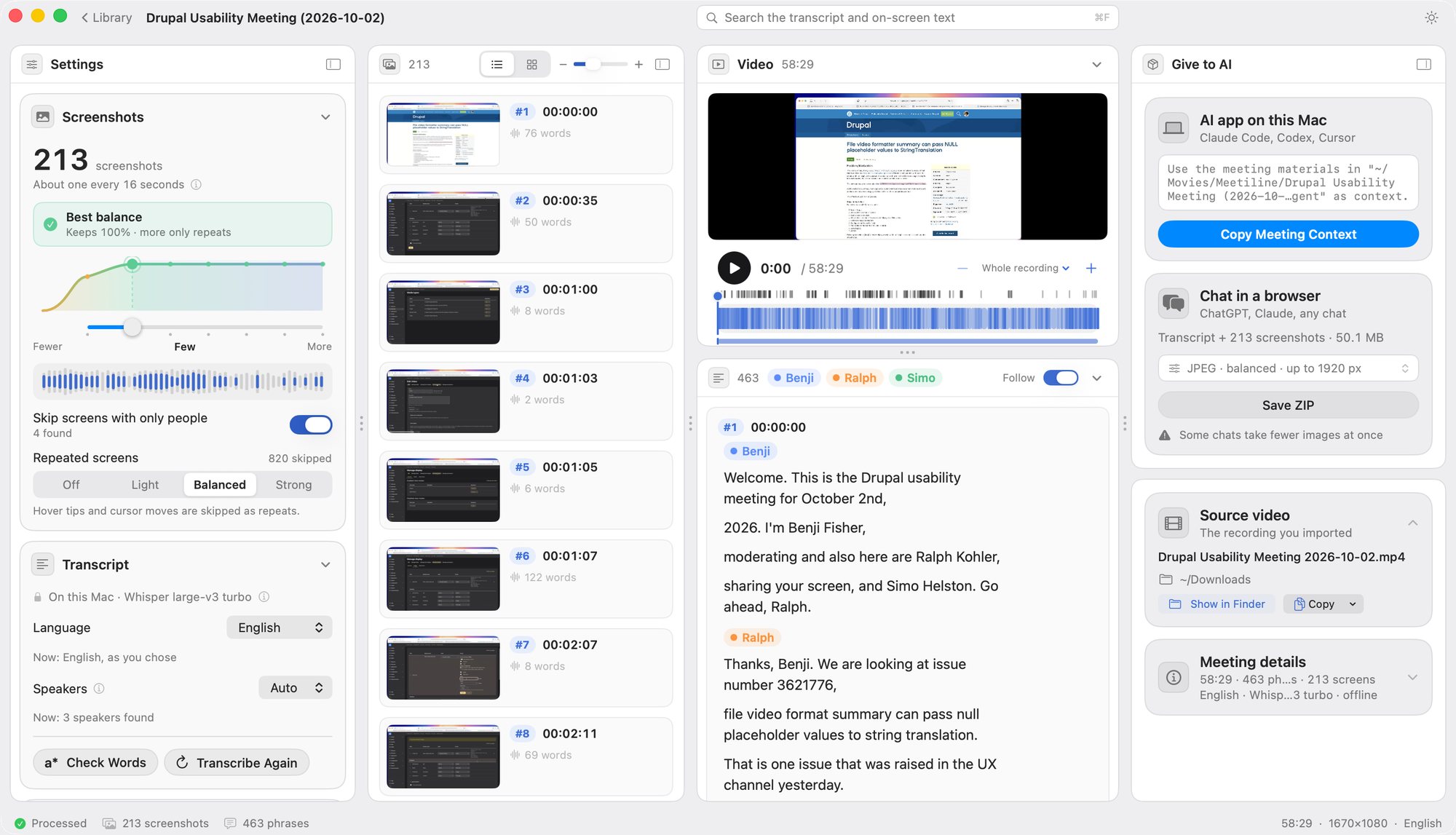
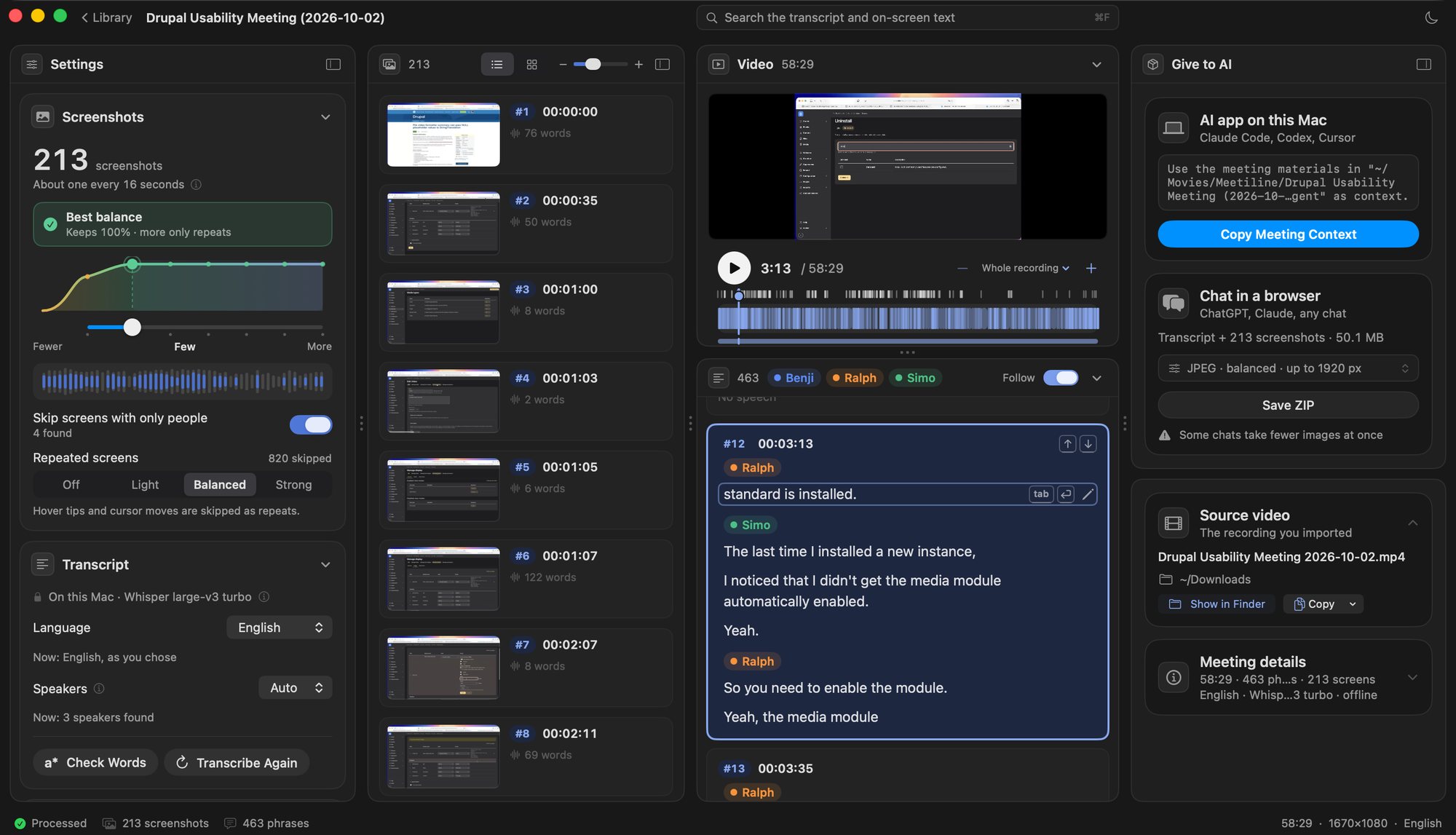
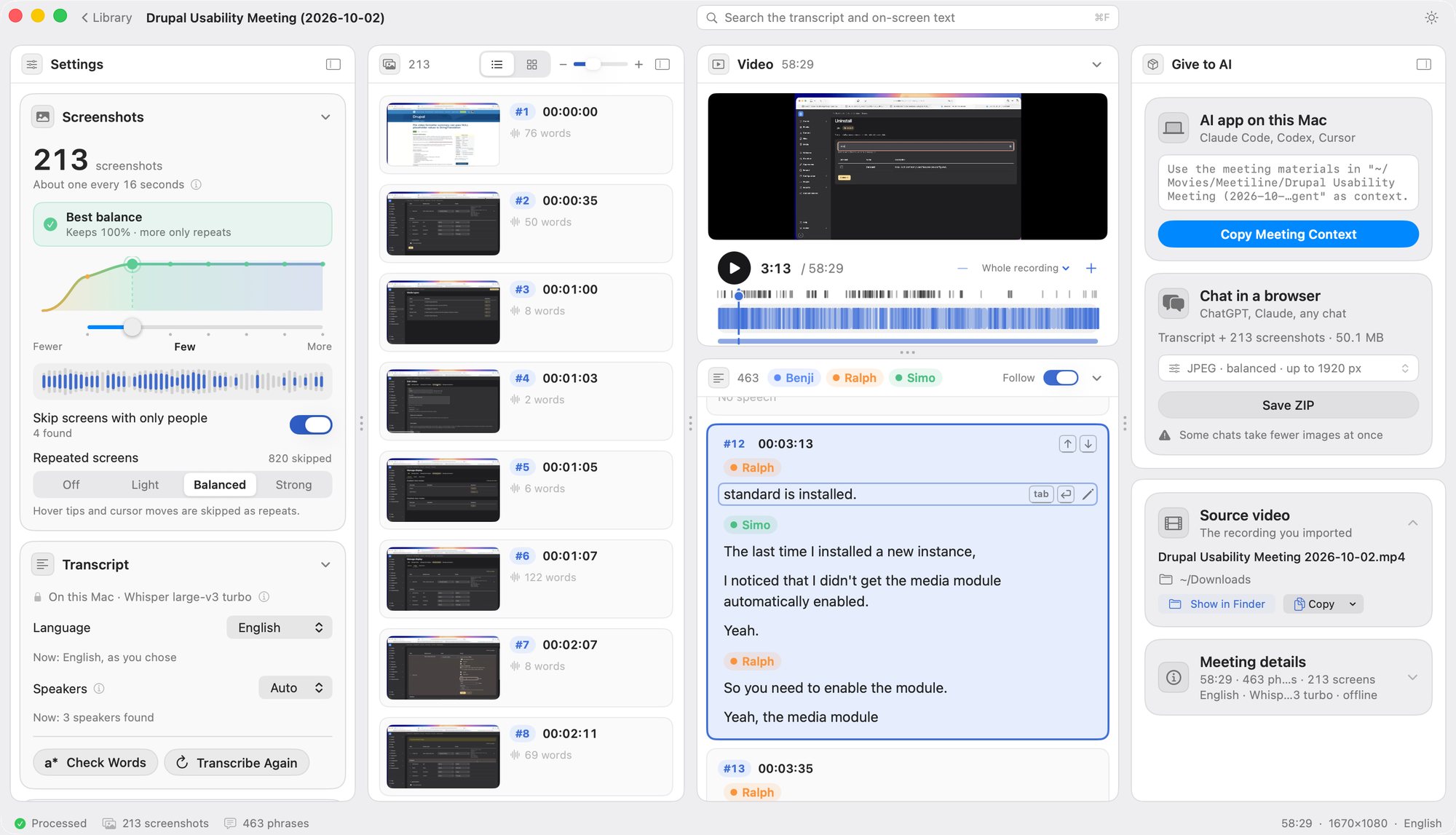
The key screenshots with exact times, and the transcript under each, packed for ChatGPT, Claude or any AI.
Download for MacFirst time on a Mac? Here is how to install it
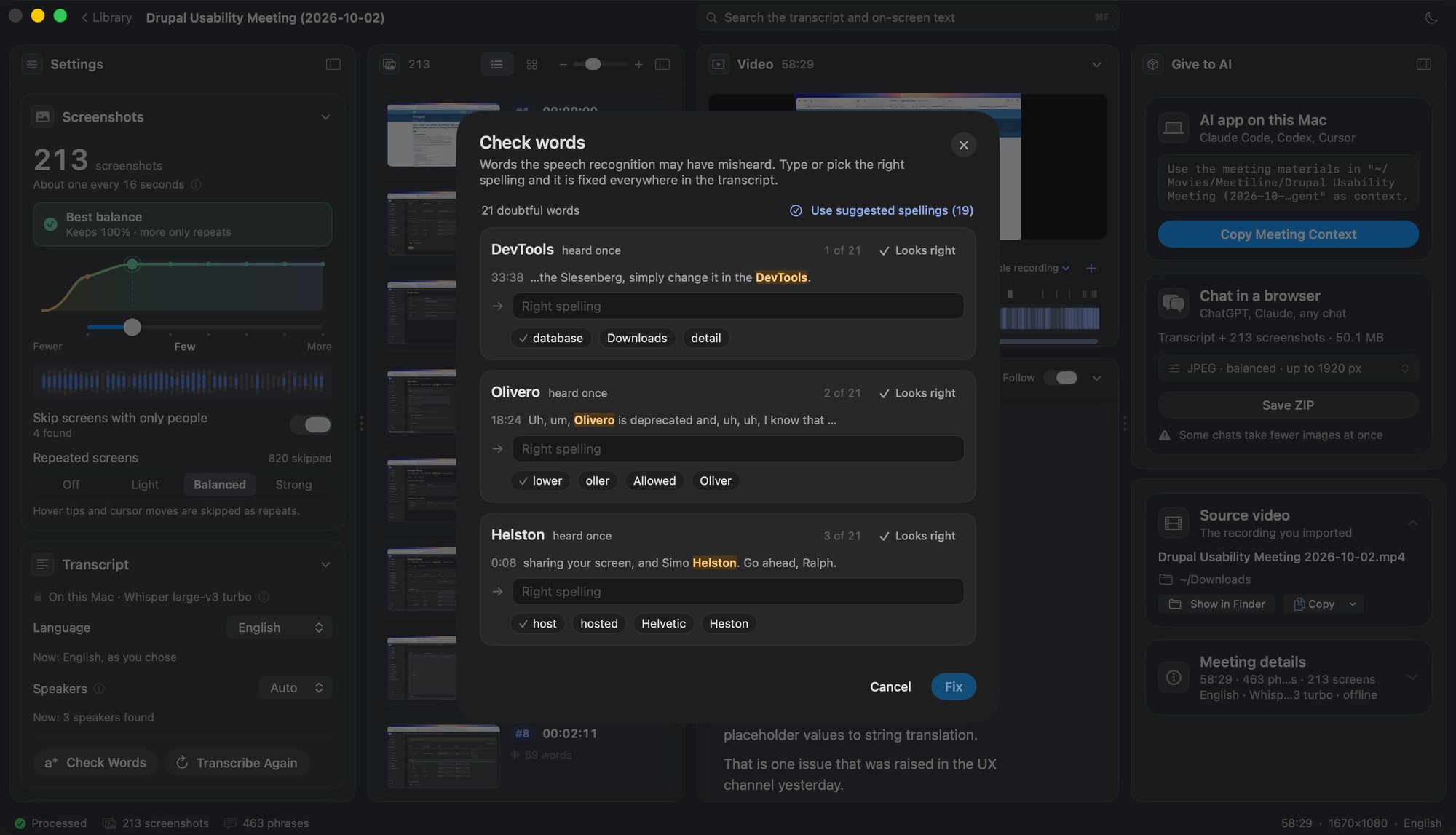
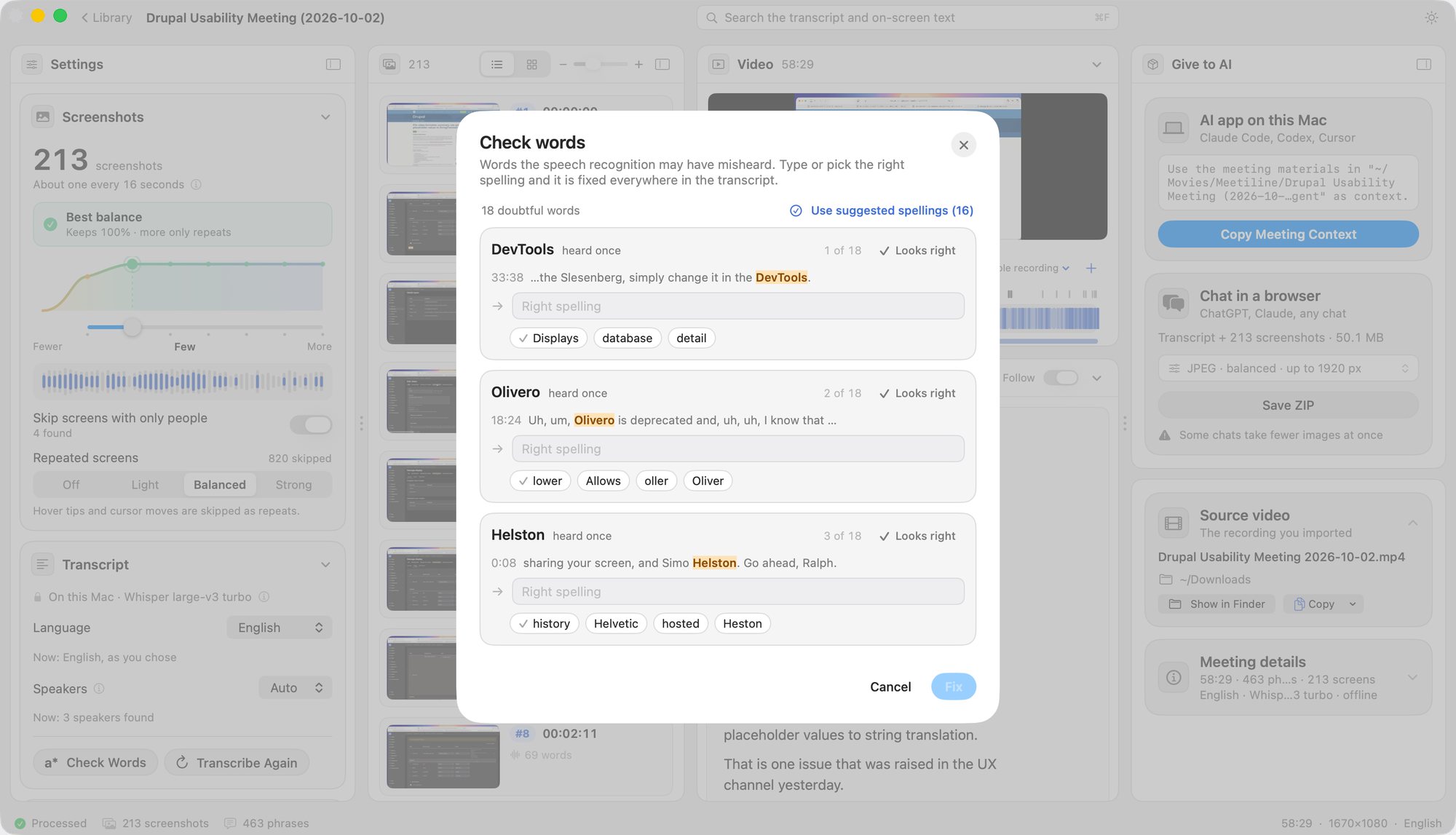
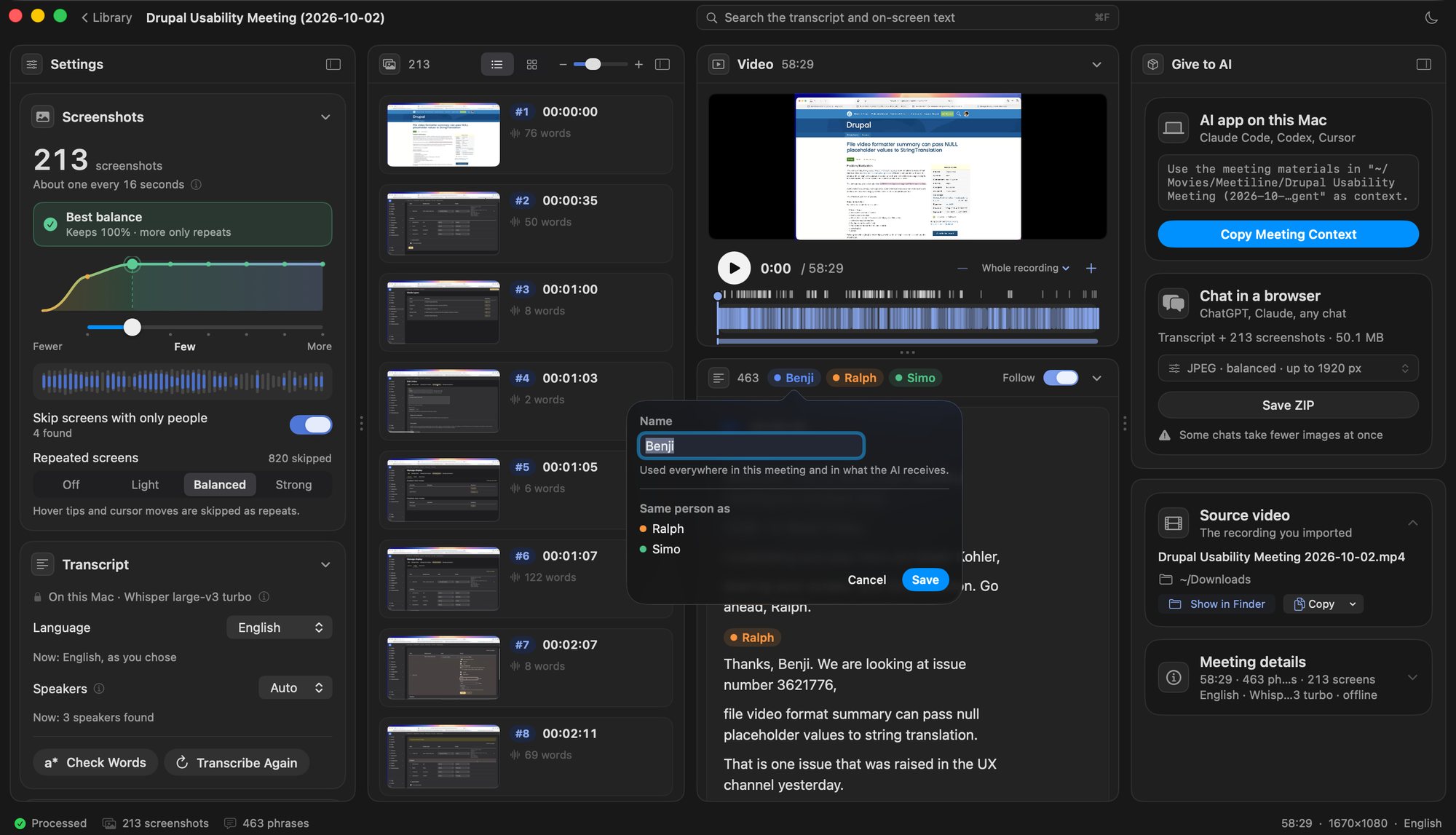
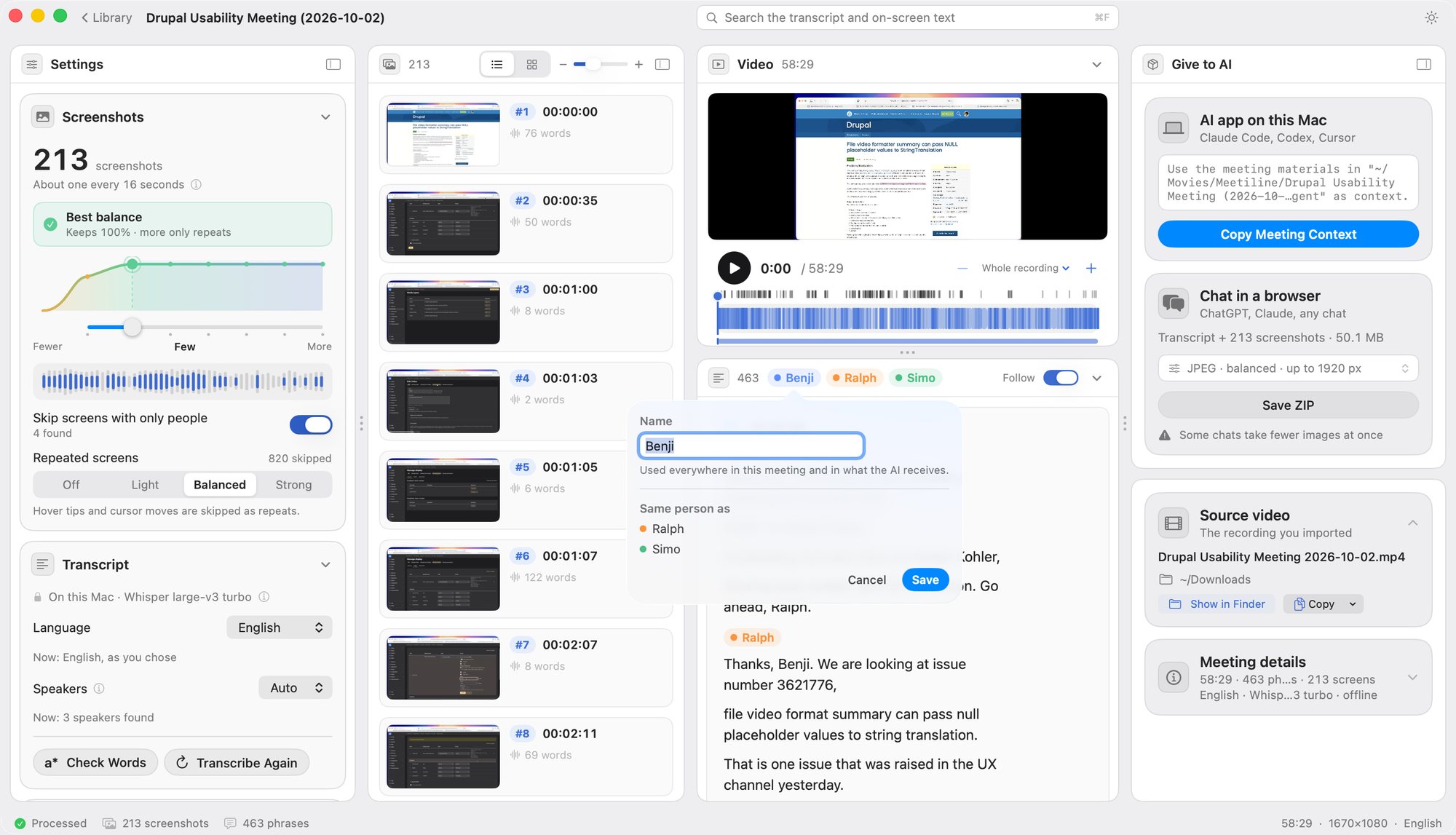
How it works
Three steps
1Drop a recording
From Teams, Zoom, Meet or Loom. MP4 or MOV.

2Check the result
Screenshots with times, and what was said under each.

3Give it to your AI
One ZIP for a chat, or the meeting context for an AI agent on your Mac.
Install
Two ways, both take a minute
The usual way
Download Meetiline- Open the file and drag Meetiline to Applications.
- Open it. If macOS says “Meetiline” Not Opened, press Done.
Not Move to Trash: nothing is wrong. - Open System Settings › Privacy & Security, scroll to the bottom and press Open Anyway.
Press it once more in the window that follows.
Meetiline is not yet signed with an Apple Developer ID, so macOS asks once.
Show me the windows
One line in Terminal
Installs it in Applications and opens it. No warning.
curl -fsSL https://meetiline.iskan.kz/install | shOpen Terminal (⌘ Space, type Terminal), paste, press Return. With Homebrew: brew install --cask iskanginux/tap/meetiline
See what it does
- Checks your Mac is supported.
- Downloads the latest Meetiline.
- Puts it in Applications.
- Lets macOS open it without a warning.
- Opens it. Nothing else is changed.
Last step: the speech model
Open Meetiline and press Download next to Speech modelWhisper large-v3 turbo is an open speech-recognition model made by OpenAI (MIT licence), not part of Meetiline. The app downloads it once from Hugging Face and runs it on your Mac with whisper.cpp, offline. About Whisper
It is 874 MB, downloaded once; after that everything works offline.
Privacy
Everything stays on your Mac
Under the hood
What it is made of
| whisper.cpp 1.9.2 | Speech recognition engine, inside the app MIT |
|---|---|
| Whisper large-v3 turbo | Speech model by OpenAI, downloaded once and checked by SHA-256 MIT |
| Silero VAD 5.1.2 | Finds where people speak MIT |
| FluidAudio 0.17.5 | Tells the voices apart, with the pyannote community-1 models Apache 2.0 CC BY 4.0 |
| AVFoundation, Vision, Metal | Video, text on screenshots, speed macOS |